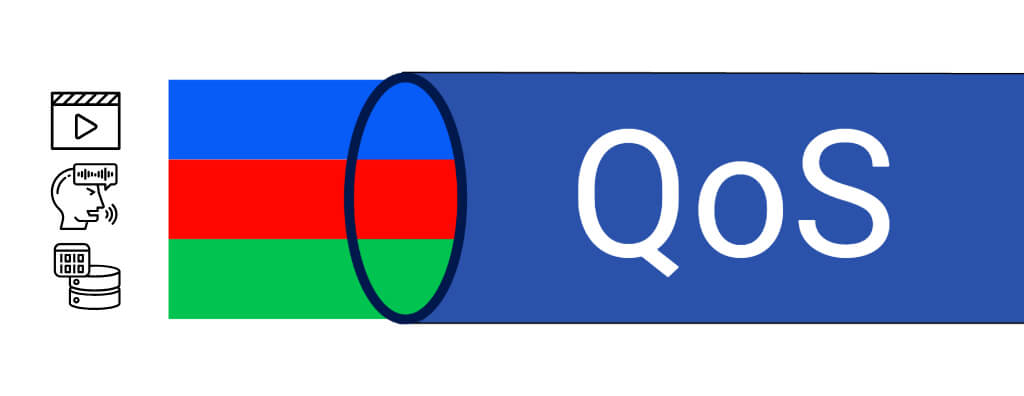
Understand what QoS is, how it works, and why it is essential for prioritizing voice, video, and critical data traffic in modern networks.
Check it out!
QoS is a set of techniques used in computer networks with the purpose of ensuring that certain types of traffic receive priority treatment over others. It plays an essential role in communication networks, where different types of data compete for the same bandwidth.
QoS, or Quality of Service, is an essential concept in computer networks focused on resource control and management.
This is especially relevant in networks that support different types of services simultaneously, where competition for bandwidth can compromise the operation of critical applications.
[elementor-template id=”24446″]
What is QoS used for?
QoS is used to manage available bandwidth efficiently by assigning priorities to different kinds of traffic, such as voice, video, and data. Without it, all packets would be treated the same way, which can result in degraded performance for sensitive applications such as Voice over IP, or VoIP, and video, which require low latency and reduced jitter.
QoS is used to prevent important services, such as VoIP calls or video monitoring systems, from suffering due to latency, packet loss, or jitter. These factors can compromise the user experience or, in some cases, the proper operation of security and communication systems.
Problems that QoS seeks to solve:
Latency
Latency is the time a data packet takes to travel from its source to its destination across a network. In other words, it is the delay between sending and receiving a data packet. This delay is measured in milliseconds, or ms, and can be caused by several factors, such as:
- Physical distance: The distance between communicating devices can increase transmission time.
- Network devices: Routers, switches, and firewalls can introduce delay while processing packets.
- Network congestion: When there is excessive traffic, packets may be queued, resulting in higher latency.
Through QoS, network administrators can define priorities and allocate bandwidth efficiently, dividing network resources according to need. Practical examples include:
Packet Loss
Packet loss occurs when one or more data packets sent through a network do not reach their destination. This can be caused by several factors, such as:
- Network congestion: When there is too much traffic, routers and switches may discard packets.
- Hardware errors: Defects in network devices such as routers and switches can lead to packet loss.
- Signal problems: In wireless networks, interference or weak signal can result in lost packets.
Jitter
Jitter refers to variation in the delivery time of data packets on a network. In an ideal network, data packets are sent at regular intervals and reach their destination with a constant timing interval. However, in congested or poorly configured networks, packets may experience variable delays, causing them to arrive irregularly at the destination.
These variations in delivery time are called jitter and can be especially harmful in time-sensitive applications, such as:
- Voice over IP (VoIP): When jitter is too high, calls may suffer from dropouts or delays, harming communication.
- Videoconferencing: Jitter can cause freezes or audio and video distortion.
- Video monitoring systems (CCTV): Video transmission quality can be compromised, resulting in images with freezes or noticeable delays.
Jitter occurs for a range of reasons, such as network congestion, lack of traffic prioritization, or poorly configured routers.
To mitigate jitter, QoS can be configured to prioritize time-sensitive traffic such as voice and video, ensuring that these packets are given transmission preference.
Because latency and jitter both refer to delay in packet delivery, there can be confusion about these concepts, so it is important to clearly understand the cause and effect of each one:
Latency vs. Jitter:
Latency: What causes latency and what problem it creates on the network
Cause:
- Physical distance: The greater the distance between sender and receiver, the more time the data needs to travel the path.
- Intermediate devices: Each router, switch, or firewall that the packet crosses adds a small delay.
- Network congestion: When many packets compete for bandwidth, they may be queued, increasing waiting time.
Problem Created on the Network:
- Videoconferences: With high latency, the time between when one person speaks and the other hears increases, resulting in out-of-sync conversations where participants talk over each other or there are long pauses before a reply.
- Online gaming: High latency causes lag, where players see actions with delay, affecting the gaming experience and precision.
- CCTV systems: If latency is high, there is a noticeable delay between the event captured by the camera and its real-time display.
Jitter: Origin and problem it causes on the Network
Cause:
- Variation in congestion: In a congested network, packet delivery time can fluctuate because some packets may be processed quickly while others remain stuck in queues.
- Dynamic routing: Packets may follow different routes across the network, resulting in inconsistent delivery times.
- Inadequate traffic management: When QoS is not configured correctly, time-sensitive traffic such as voice and video can compete with other types of data, increasing variation in delivery time.
Practical Effect:
- Videoconferences: With high jitter, parts of the conversation may be cut off, resulting in choppy audio and freezing video, which compromises communication fluidity.
- VoIP (Voice over IP): If jitter is too high, call quality may deteriorate, with audio dropouts that make conversation difficult to understand.
- CCTV systems: Jitter can cause jumps or freezes in video transmission, where the image sequence appears inconsistent, harming the quality of real-time monitoring and even causing total image loss.
Comparison:
- Latency: It affects all communication in a predictable way. The delay is constant. If latency is high, there is a continuous but uniform delay, resulting in late responses.
- Jitter: It introduces unpredictable variations in packet delivery time. Even with low latency, high jitter can cause irregularity in data transmission, such as intermittent audio or video dropouts, directly impacting the user experience.
Comparative Example:
Imagine a videoconference:
- High latency: Responses arrive with delay, but the audio and video may still be synchronized and flow consistently, only with a delay.
- High jitter: Even with low average latency, audio may begin to break up and video may freeze or jump, making communication difficult to follow.
Summary:
- Latency impacts the timeliness of packet delivery, or how long it takes data to arrive.
- Jitter affects the regularity of packet delivery, or how variations in arrival time affect transmission quality.
Examples of cases where QoS is necessary:
Real-time video transmission, such as CCTV, where it is essential to guarantee receipt of all data packets, and the absence of any information can cause image loss.
Voice calls that cannot tolerate delay.
Videoconferences that require continuous transmission.
How QoS Works
QoS works by identifying and classifying different types of traffic and then applying policies that regulate bandwidth use according to established priorities. These policies may include queue management, bandwidth allocation, and congestion control.

- Traffic Classification: The first step in applying QoS is classifying network traffic. This is done through protocols such as DiffServ, or Differentiated Services, and MPLS, or Multiprotocol Label Switching. At this stage, traffic is categorized into different classes, such as video, voice, or regular data.
- Queues and Priorities: After classification, data packets are placed into queues. The queues are organized based on the priority established by classification. High-priority packets, such as VoIP or videoconference packets, are forwarded more quickly than lower-priority ones, such as email or downloads.
- Congestion Management: When there is excessive traffic on the network, QoS controls congestion by limiting the bandwidth used by low-priority applications and ensuring that critical packets can be delivered without significant loss of quality.
Configuring QoS:
Configuring QoS varies according to the network equipment and the type of network in use. However, the basic principle involves defining service classes, priorities, and traffic control policies.
- Basic Steps:
- Traffic Identification: First, it is necessary to identify the different types of traffic flowing through the network, such as video, voice, and data.
- Traffic Classification: Configure traffic classes in switches and routers, applying tags that identify packet priority.
- Application of QoS Policies: Define rules that regulate bandwidth, limiting or increasing the resources available for each type of traffic.
- Monitoring and Adjustments: After the initial configuration, it is important to monitor traffic and make adjustments to continually optimize the network.
Applications of QoS
QoS is widely used across different sectors and applications:
- Voice over IP (VoIP): In voice calls, any noticeable delay can compromise communication. QoS is used to ensure that voice traffic is processed quickly, minimizing delays.
- Videoconferences: Real-time video transmission requires high quality of service, especially in corporate environments where interruptions can harm communication.
- Corporate Networks: QoS is used to ensure that business-critical traffic, such as databases or ERP systems, is prioritized over non-essential traffic such as video streaming or social media.
- Video Streaming and CCTV: In video monitoring systems, or CCTV, QoS is essential to ensure that images are transmitted with quality and without interruptions.
Using QoS in CCTV
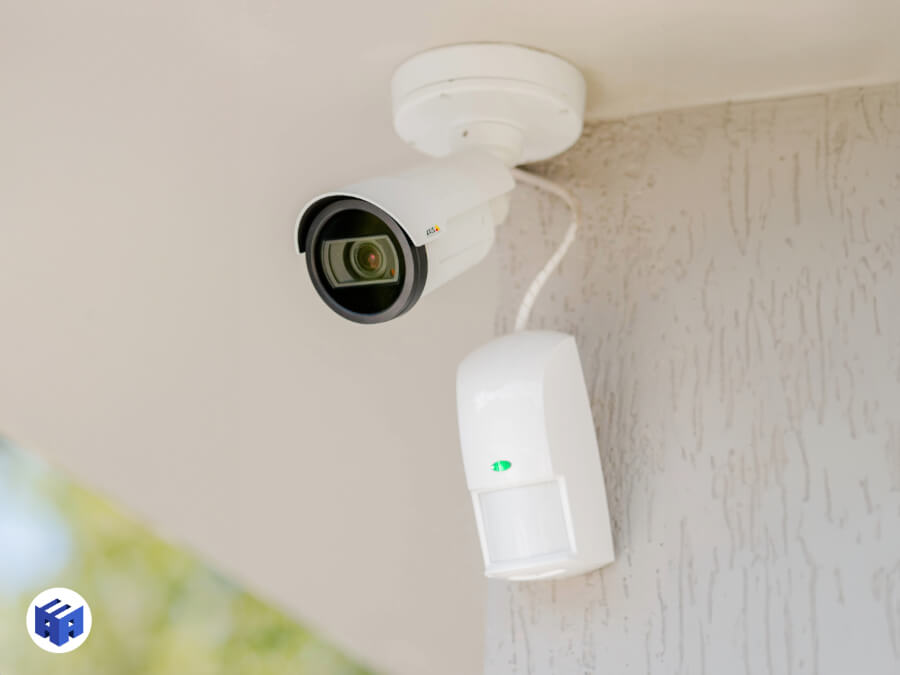
Collection: A3A Systems Engineering
In the context of CCTV systems that share the same network, especially those using IP cameras, QoS is crucial to ensure that captured video is transmitted efficiently and without quality loss.
Networks carrying video packets may be subject to congestion because of high bandwidth demand, especially in high-performance systems with video analytics and cameras running at 60 FPS and 4K. Without proper prioritization, lack of bandwidth can generate packet loss, and in the case of video, packet loss means image loss.
- Why is QoS necessary in CCTV? Video traffic is sensitive to variations in latency and bandwidth. In situations where the network also carries other types of data, such as email and downloads, QoS ensures that video traffic receives priority treatment, making sure that images are delivered with quality.
- QoS Configuration in CCTV: Implementing QoS in CCTV requires classification of video traffic as high priority, using switches and routers that support these functions. Modern IP cameras generally support QoS settings, allowing direct integration into the network.
Conclusion
QoS is a fundamental tool for ensuring service quality in complex networks, especially in applications that require low latency and high reliability, such as VoIP, videoconferences, and CCTV monitoring systems.
Proper QoS configuration allows the network to operate efficiently, prioritizing the most critical traffic and ensuring that bandwidth resources are allocated intelligently.
With proper use of QoS, CCTV systems can operate with high image quality without compromising network performance, resulting in a more reliable and efficient security system.
Acknowledgements
Thank you for reading this article. We hope it helped clarify how QoS configuration can optimize network performance and efficiency.
If you enjoyed this content and want to deepen your knowledge of networks even further, we recommend reading our other articles:
Articles That Can Complement Your Knowledge of Networks:
VLAN – What is a VLAN?
Network Design: The Definitive Guide to Planning, Implementing, and Managing Network Infrastructures
Structured Cabling for Companies – How to implement it successfully
How to Prepare a CCTV Project – Main stages
If you have questions or want to know more about how to implement these solutions, we will be happy to help.
Thank you for your time and interest.
Visit our store and request a quote