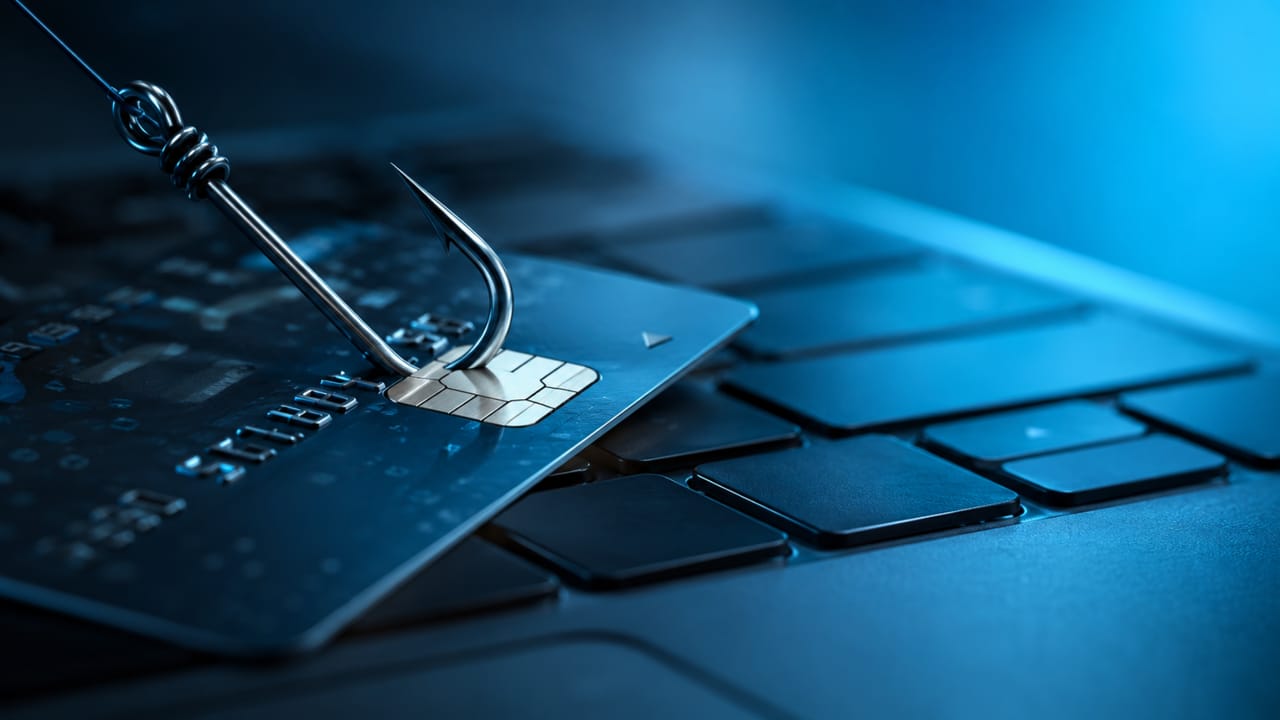
Understand what phishing is, how to identify fake messages, suspicious links, smishing, vishing, and good practices for protection against digital scams.
Check it out!
Phishing is one of the best-known digital scams, yet it continues to work because it does not depend on technology alone.
It exploits trust, haste, distraction, and the appearance of legitimacy. A message may appear to come from a bank, delivery company, familiar service, digital platform, or even someone within the organization.
The goal is to make the person click, provide data, share codes, open attachments, access fake pages, or take an unsafe action.
For this reason, understanding what phishing is and how to identify warning signs is one of the most important everyday digital-security practices.
Phishing is also directly connected to social engineering because it exploits human behavior before exploiting systems. For a broader view of this concept, see the article on social engineering, its uses, and ethical limits.
What is phishing?
Phishing is an attempt to deceive a person in order to obtain information, credentials, or authorizations.
The term is commonly associated with fake messages that imitate companies, banks, digital services, or well-known institutions. These messages may request a registration update, account confirmation, payment, access unblocking, or security verification.
In practice, phishing tries to create a situation in which the user believes they are interacting with a legitimate channel.
The information sought may include:
- login and password;
- verification codes;
- personal data;
- banking data;
- documents;
- corporate credentials;
- authorization to install files or grant access.
Phishing can occur through email, SMS, messaging apps, social networks, QR codes, fake websites, ads, or phone calls. The channel changes, but the logic is similar: create enough trust for the person to act without verifying.
That is the meaning of phishing in digital security: an approach that tries to “hook” information or actions through deception.
Why does phishing still work?
Phishing continues to work because many fake messages are designed to look normal.
They use familiar brands, customer-service language, urgency, visuals similar to the original, and topics that are part of people’s routines.
The scam may claim that an account will be blocked, that there was a suspicious purchase, that an order awaits confirmation, that a payment failed, or that data must be updated to keep access to a service.
These situations pressure people to act quickly.
The problem is that when decisions are made under pressure, verification tends to decrease.
For this reason, phishing should not be viewed only as a technical problem. It is also a problem of behavior, process, and communication.
In the article on digital risks, phishing, and information security, we explain how social engineering amplifies risks in the digital environment.
How to identify phishing before clicking
Identifying phishing requires attention to inconsistencies.
A scam will not always contain obvious errors or look amateurish. Some are well produced. Even so, many show signs that help identify the risk.
Before clicking, check:
- sender: does the address look official or are there subtle changes?
- domain: does the link really lead to the known website?
- urgency: is the message trying to force an immediate decision?
- sensitive request: does it ask for a password, code, card, or document?
- attachment: was the file expected?
- language: does the tone match the company or service?
- channel: did the request arrive through a usual channel?
- promise: is there an exaggerated or unusual benefit?
A good rule is simple: when in doubt, do not use the received link.
Open the official app, type the known address directly into the browser, or confirm the request through another channel.
Protection against phishing begins with this pause before action.
Common phishing examples in everyday life
Phishing examples appear in very common situations.
The purpose here is not to teach how to carry out scams, but to show patterns that help identify risk.
Common examples include:
- message stating that a bank account will be blocked;
- fake registration update;
- supposed delivery tracking code;
- fake invoice or charge;
- promotion with a nonexistent prize;
- message claiming suspicious access occurred;
- fake technical support;
- request for password confirmation;
- fake page imitating a known service;
- corporate request outside the normal workflow.
In all these cases, the central point is to create the appearance of legitimacy.
The phishing scam tries to make the person trust the context before evaluating the content.
For a broader approach to digital scams and data protection, also see Digital scams and data protection: how to recognize risks and protect yourself.
Email phishing: the scam that looks like a normal message
Email phishing remains one of the most common forms of phishing attack.
This happens because email is still used for registrations, corporate communications, invoices, documents, proposals, contracts, and service notifications.
A fake message may try to imitate the visual identity, signature, logo, and language of a well-known company.
The risk increases when the email includes an unexpected link or attachment.
Files supposedly related to invoices, payment slips, contracts, receipts, or internal documents deserve special attention, especially when they arrive out of context.
In companies, email phishing can affect not only an individual account but also systems, internal documents, customer data, and financial processes.
Therefore, validating senders, domains, and internal procedures is essential.
Smishing, vishing, and spoofing: variations of the same problem
Phishing does not happen only by email.
There are variations that use other channels and forms of impersonation.
Smishing is a scam attempt by SMS or short message. It may involve supposed deliveries, banks, benefits, charges, or confirmation links.
Vishing is a voice-based scam attempt, usually by phone. It may involve a fake call center, fake technical support, or requests to confirm data.
Spoofing is the falsification of an identity, number, sender, domain, or appearance to make a communication look legitimate.
The format changes, but the principle is similar: create enough trust for the person to act without confirming the source.
The precautions are also similar: verify the channel, avoid sharing sensitive information, and confirm requests through official means.
Phishing, personal data, and LGPD
Phishing often targets personal data because that data has value.
Name, CPF, phone number, email, address, credentials, documents, financial data, images, and biometrics can be used in new approaches, fraud, or access attempts.
When this data is collected or exposed improperly, the risk may continue after the first scam.
That is why phishing is also related to data protection and Brazil’s LGPD.
LGPD reinforces the importance of processing personal data with a clear purpose, access control, minimization, security, and accountability.
In everyday life, this means being careful with registrations, forms, links, sharing, and permissions.
In environments involving images, biometrics, and facial recognition, even greater attention is required. For further reading, see Biometrics and Facial Recognition: risks, LGPD, and good practices.
Phishing in companies: why the impact can be greater
In companies, phishing can have a greater impact because a single account may be connected to systems, documents, customers, suppliers, payments, and internal information.
An exposed corporate credential may enable unauthorized access to email, files, cloud systems, management platforms, internal networks, or operational tools.
Corporate environments also contain sensitive processes: payments, contracts, customer data, commercial proposals, supplier records, technical information, and strategic documents.
When phishing exploits a work routine, it may look even more convincing.
Companies therefore need training, clear procedures, access control, two-factor authentication, permission reviews, and official confirmation channels.
The article on Social Engineering in the corporate environment explores the relationship among security culture, processes, and human-risk prevention.
The topic should also be connected to digital infrastructure. Cloud services, networks, and connected systems depend on a reliable technical foundation, as explained in Cloud computing in practice.
How to protect yourself against phishing
Protection against phishing requires layers.
No single measure can eliminate every risk. Protection improves when technology, behavior, and process work together.
Helpful practices include:
- verify senders and domains;
- avoid clicking received links when in doubt;
- access official channels directly;
- do not share passwords or verification codes;
- use two-factor authentication;
- keep systems and applications updated;
- review access permissions;
- be skeptical of artificial urgency;
- validate sensitive requests through another channel;
- train teams using real examples;
- create procedures for payments, registrations, and access;
- maintain organized backups.
Companies should also document critical processes. If each person decides differently, risk increases. Clear procedures make improvisation harder to exploit.
The engineering behind prevention
Preventing phishing does not depend only on individual attention.
It also depends on well-designed technical environments.
Organized networks, access control, authentication, segmentation, documentation, monitoring, maintenance, and commissioning help reduce risks in connected systems.
Physical and digital security are also increasingly connected. IP cameras, access control, servers, networks, cloud, and connected devices need to be treated as parts of the same ecosystem.
To understand this connection, see how to prevent physical-security systems from becoming entry points for cyberattacks.
The articles on Types of Computer Networks and Computer Network Performance are also useful.
Ultimately, phishing protection comes from combining trained people, clear processes, and reliable infrastructure.
Where A3A Engenharia fits in
A3A Engenharia works with projects, assessments, audits, networks, electronic security, infrastructure, commissioning, and technical consulting.
In connected environments, preventing digital risks depends on well-designed systems, controlled access, defined processes, and reliable infrastructure.
Related technical content
- Social engineering: what it is, how it works, and why it can be used for good or bad
- The power of social engineering: digital risks, phishing, and information security
- Social Engineering in the corporate environment
- Digital scams and data protection
- Cloud computing in practice
- Biometrics and Facial Recognition: risks, LGPD, and good practices
- How to prevent physical-security systems from becoming entry points for cyberattacks
- Types of Computer Networks
- Computer Network Performance
Related services
Technical references
- ISO/IEC 27001 — Information security.
- ISO/IEC 27002 — Information security controls.
- NIST Cybersecurity Framework.
- CIS Controls — cybersecurity good practices.
- LGPD — Brazilian General Data Protection Law.
- Internal cybersecurity, cloud, electronic-security, and networking materials consulted in A3A Engenharia’s static index.
Recommended supplementary materials
FAQ
1. What is phishing?
Phishing is an attempt to deceive a user in order to obtain data, passwords, codes, credentials, or authorizations through messages, links, fake websites, or other digital channels.
2. What does phishing mean?
The meaning of phishing is associated with the idea of “hooking” user information or actions through deception, apparent legitimacy, and social engineering.
3. How can phishing be identified?
Check the sender, domain, exaggerated urgency, requests for passwords or codes, unexpected attachments, unusual language, suspicious links, and requests outside the normal pattern.
4. What is email phishing?
Email phishing is a scam attempt sent by email, usually impersonating companies, services, or corporate communications to induce clicks, downloads, or disclosure of information.
5. What is the difference between phishing, smishing, and vishing?
Phishing is the general term. Smishing uses SMS or short messages. Vishing uses voice calls. All exploit trust and deception.
6. What is spoofing?
Spoofing is the falsification of identity, number, domain, sender, or appearance to make a communication look legitimate.
7. How can I protect myself from phishing?
Verify official channels, do not share passwords or codes, use two-factor authentication, be skeptical of artificial urgency, review permissions, and train teams.
8. Can phishing cause data leakage?
Yes. If a person provides credentials, shares documents, or accesses fake pages, personal and corporate data may be exposed.
Conclusion
Phishing continues to work because it exploits trust, urgency, and the appearance of legitimacy.
It does not depend only on technology. It depends on human behavior, weak processes, and lack of verification.
Recognizing phishing signs, protecting data, using official channels, and creating clear procedures are important steps to reduce risk.
In companies, prevention must combine training, digital security, access control, reliable infrastructure, and security culture.
Is your company prepared to recognize and reduce digital risks?
Phishing does not depend only on technology. People, processes, access, networks, and systems need to work together.