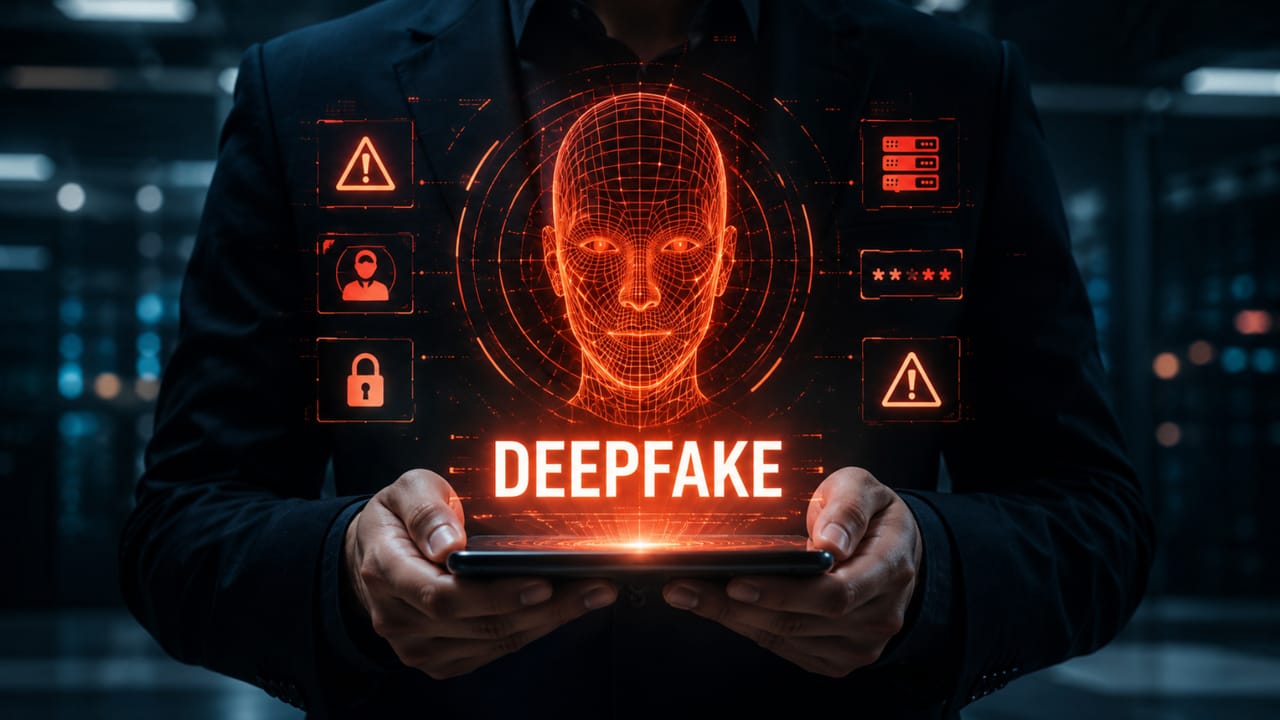
Learn how to recognize digital scams, protect your data, avoid phishing, and adopt good everyday digital-security practices.
Check it out!
Digital scams are part of everyday life for anyone who uses the internet, apps, social networks, digital banking, email, shopping platforms, and cloud services.
The most important point is that many attacks do not begin by breaking systems. They begin by exploiting trust, haste, distraction, curiosity, or fear.
An urgent message, a link similar to the real one, a fake call center, a verification code requested by phone, or an apparently simple form may be enough to put personal information at risk.
Therefore, digital security does not depend only on technology. It also depends on attention, habits, and simple procedures.
This article explains how to recognize common risks, protect personal data, and reduce exposure to digital scams in everyday life.
Why are digital scams growing so much?
Digital scams work because they often look like normal situations.
A message may appear to come from a bank. An email may imitate a well-known company. A fake site may look professional. A social-media profile may use a photo, name, and language similar to a real person.
This type of approach uses social engineering, meaning techniques that manipulate human behavior. Instead of attacking only technology, the scammer tries to persuade the person to click, provide data, transfer money, share codes, or install something.
The most common scams usually exploit a few triggers:
- urgency: “your account will be blocked now”;
- fear: “there was a suspicious purchase”;
- benefit: “you won a reward”;
- authority: “we are from the security center”;
- trust: “I’m someone you know asking for help.”
Recognizing these patterns already reduces risk considerably.
Links, attachments, and urgent messages: how to assess them before clicking
Fake links are among the most common forms of digital scam.
They may arrive by email, SMS, messaging app, social network, sponsored ads, or QR code. In many cases, the link leads to a page that resembles a real company’s website but was created to capture login credentials, passwords, documents, cards, or other data.
Before clicking, look for warning signs:
- the website address looks strange or different from the official one;
- the message demands immediate action;
- there are writing errors, poor formatting, or unusual language;
- the sender does not match the official channel;
- the link promises an exaggerated advantage;
- the message asks for a password, code, card, or document without clear context.
When in doubt, the safest approach is not to use the received link. Open the official app or type the known address directly into the browser.
This simple precaution prevents many phishing cases, in which attackers try to deceive users into disclosing sensitive information.
Verification and authentication codes must be protected
Verification codes exist to confirm identity. Therefore, they should not be shared with third parties.
A common scam occurs when someone impersonates an attendant, technical support, a bank, delivery company, or even an acquaintance and asks for a code sent by SMS, email, or app.
That code may be used to access an account, recover a password, activate an app on another device, or confirm a transaction.
Two-factor authentication improves security, but it loses effectiveness when the user gives the code to someone else.
The practical rule is simple: temporary codes, tokens, passwords, and recovery keys must be treated as confidential information.
Legitimate companies do not need to ask for this type of code by message or phone to “confirm security.”
Reused passwords amplify the impact of a breach
Using the same password across multiple services is a common risk.
When a platform suffers a data breach, email-and-password combinations may be tested on other services. If the password is reused, a failure on one site may compromise different accounts.
Therefore, a secure password should be unique for each important service.
Some good practices help:
- use long passwords that are difficult to guess;
- avoid dates, names, sequences, and obvious information;
- do not reuse passwords across different services;
- enable two-factor authentication whenever possible;
- use a trusted password manager when you have many accounts.
A password is not merely a formality. It is one of the first layers of digital-identity protection.
QR codes, public Wi-Fi, and apps also require care
Not every digital scam arrives as a blue link in a message. Some appear in more discreet formats.
QR codes, for example, may direct users to fake pages. This can happen on posters, labels, messages, supposed payments, promotions, or cloned pages.
Public Wi-Fi networks also require attention. In open places, it is better to avoid sensitive operations such as accessing banking, changing passwords, or sending important documents, especially when the network does not require trustworthy authentication.
Apps deserve the same care. Before installing, check the developer, reviews, download count, requested permissions, and whether the app comes from an official store.
Excessive permissions are also a warning sign. A simple app should not request broad access to contacts, camera, microphone, location, and files without a clear need.
Everyday digital security is built from these small checks before taking action.
LGPD and privacy: why your data has value
Personal data has value because it helps identify, locate, contact, profile, or influence a person.
Name, CPF, phone number, email, address, location, image, biometrics, purchase history, financial data, and access credentials can be used legitimately, but they can also be exploited in scams.
Brazil’s LGPD increased attention to how personal data is collected, processed, stored, and shared.
For ordinary users, the central idea is simple: the more data is shared without clear criteria, the greater the potential exposure.
This does not mean avoiding every registration or technology. It means asking:
- why is this data being requested?
- is this company or app trustworthy?
- is this data really necessary?
- is there a clear privacy policy?
- am I sharing sensitive information through a secure channel?
Digital privacy is also a form of prevention.
For further reading on environments with biometrics and facial recognition, see Biometrics and Facial Recognition: risks, LGPD, and good practices.
Digital security is a layered system
A useful way to understand digital security is to think in layers.
No single measure solves everything. A strong password helps, but does not replace two-factor authentication. Antivirus helps, but does not replace caution with fake links. Backup helps, but does not replace access control. A privacy policy helps, but does not replace care with permissions.
The more layers there are, the lower the chance that a single failure will cause a major problem.
This logic is very close to engineering: secure systems do not depend on one barrier, but on design, redundancy, procedure, verification, and maintenance.
In the digital environment, these layers may include:
- strong and unique passwords;
- two-factor authentication;
- system updates;
- backups;
- permission control;
- care with links and attachments;
- use of official channels;
- device protection;
- training and guidance.
Security improves when technology and behavior work together.
What companies can also learn from these precautions
The same precautions that help individuals also help companies.
In corporate environments, digital scams may cause data leakage, information theft, financial fraud, system downtime, loss of trust, and regulatory problems.
Therefore, companies need to treat digital security as a process, not just a tool.
Important practices include access control, permission reviews, team training, backups, two-factor authentication, system inventories, equipment updates, and clear data-use policies.
It is also important to remember that physical and digital security are increasingly connected. IP cameras, access control, biometrics, servers, networks, and monitoring systems can become part of the risk surface if poorly configured or maintained.
To understand this connection, also read how to prevent physical-security systems from becoming entry points for cyberattacks.
In digital services, security is also connected to infrastructure. The article on cloud computing in practice explains how networks, data centers, and digital systems depend on a well-structured technical foundation.
Where A3A Engenharia fits in
A3A Engenharia works with projects, assessments, electronic security, infrastructure, networks, commissioning, and technical support for decisions involving connected environments and critical systems.
When physical security, data, networks, and operations depend on the same systems, an integrated technical view helps reduce risk and improve reliability.
Related technical content
- Biometrics and Facial Recognition: risks, LGPD, and good practices
- How to prevent physical-security systems from becoming entry points for cyberattacks
- Cloud computing in practice: what it is, how it works, and why it depends on infrastructure
- Cloud Computing
- Types of Computer Networks
- Computer Network Performance
Related services
Technical references
- LGPD — Brazilian General Data Protection Law.
- ISO/IEC 27001 — Information security.
- ISO/IEC 27002 — Information security controls.
- NIST Cybersecurity Framework.
- CIS Controls — cybersecurity good practices.
- Internal cybersecurity, data-protection, networking, cloud, and electronic-security materials consulted in A3A Engenharia’s static index.
Recommended supplementary materials
FAQ
1. What are digital scams?
They are attempts to deceive people through the internet, apps, messages, calls, or fake websites to obtain data, money, passwords, or account access.
2. What is phishing?
Phishing is a technique used to induce users to disclose sensitive data, click fake links, or access pages that imitate legitimate services.
3. How can I protect my data every day?
Use unique passwords, enable two-factor authentication, avoid suspicious links, review app permissions, and share data only when necessary and through trusted channels.
4. Can verification codes be shared?
No. Temporary codes, tokens, and recovery keys should be treated as confidential information.
5. Does LGPD protect against digital scams?
LGPD establishes rules for personal-data processing, but everyday protection also depends on secure habits, attention, and good digital practices.
6. Can QR codes be used in scams?
Yes. A QR code can direct users to a fake or malicious page. Before proceeding, check the opened address and the context of the request.
7. Does digital security depend only on antivirus software?
No. Antivirus is only one layer. Digital security also involves passwords, authentication, updates, backups, permissions, caution with links, and use of official channels.
Conclusion
Digital scams exploit technology, but they also exploit human behavior.
Therefore, protecting data requires a combination of tools, attention, safe habits, and verification before acting.
By recognizing warning signs, protecting passwords, safeguarding verification codes, reviewing permissions, and being skeptical of urgent messages, people and companies reduce exposure to fraud and leaks.
Digital security is not a one-time action. It is a set of layers that needs to be part of everyday routine.
Does your company depend on connected systems?
When physical security, networks, data, and operations are integrated, a technical assessment can help identify risks and opportunities for improvement.